How to Continue Your Novel Scene With an AI Assistant
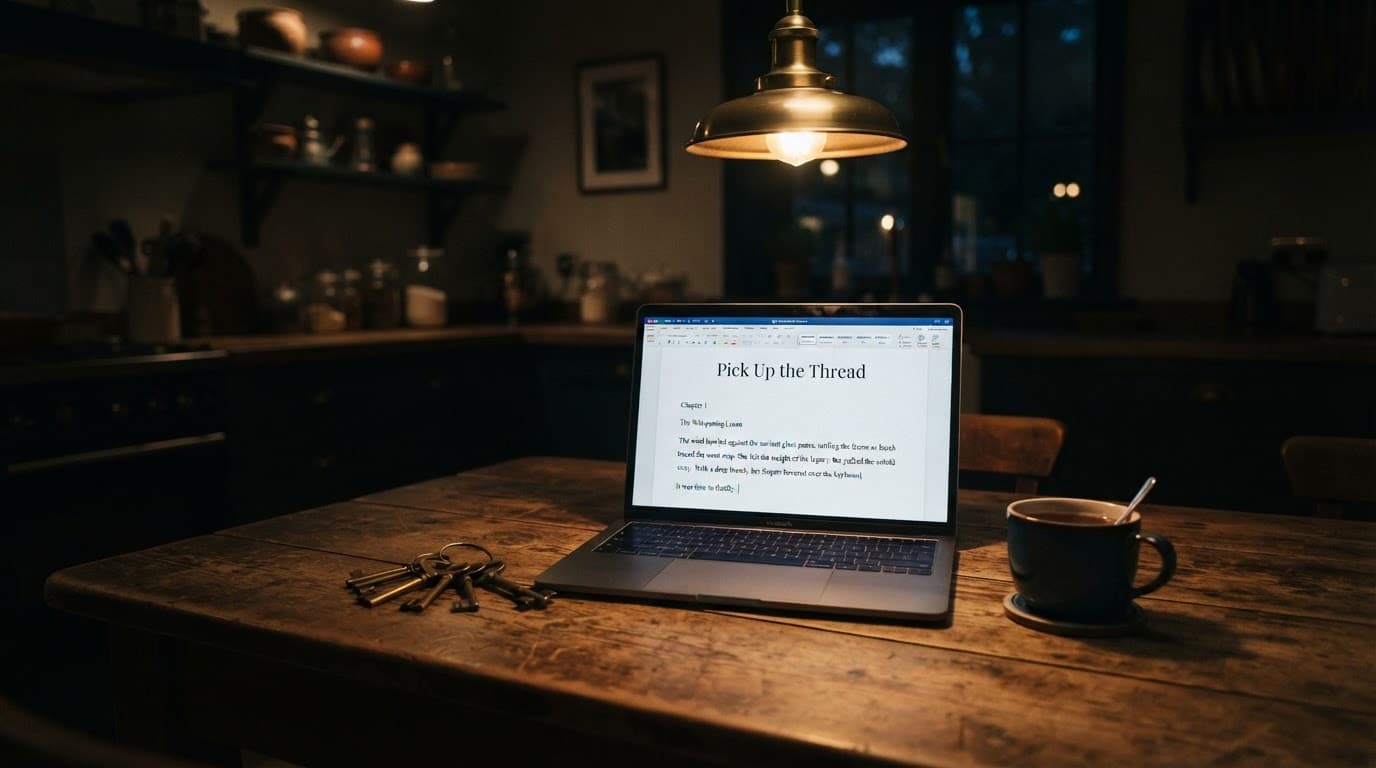
You stopped writing on Tuesday at 11:40pm in the middle of a scene. Not at the end of a chapter, not at a clean break, but halfway through the moment where Wren finally asks her mother about the second set of keys. You knew exactly what came next. Now it's Saturday, the file is open, the cursor is blinking after "Where did you get those?" and the scene has gone cold in your hands.
So you paste the chapter into an AI assistant and type continue the scene. What comes back is 1,400 words in which the mother confesses everything, Wren forgives her, they hug by the sink, and the novel's central secret is spent on page 212 of 340.
The model didn't fail at writing. It failed at continuing, which is a different job: picking up a thread mid-pull, in someone else's voice, with a specific amount of slack left in it. Here's a workflow that gets an AI writing assistant to do that job, whichever tool you use.
Why "continue my novel" prompts go wrong
An AI continues badly when it has the words but not the situation. It sees the last few pages, but it doesn't know what each character is hiding, how much of the scene is left, or where you meant to stop, so it fills those gaps with the most "complete" version of the scene it can imagine.
Three failures show up again and again:
- It finishes the story instead of the beat. Models lean toward resolution. Ask for "the rest of the scene" and you'll often get the rest of the act, the same sprint we dissected in how to fix AI pacing when your draft sprints.
- It forgets who knows what. The mother knows about the keys; Wren only suspects. The model treats every fact on the page as common knowledge, so characters answer questions nobody asked aloud.
- It drifts out of your voice. Your last paragraph had a fragment, a sentence that ran long on purpose, and a smell. The continuation has tidy medium-length sentences and nothing you could taste.
A better adjective in the prompt won't fix any of these. What you hand over, and in what order, will.
The handoff packet: what to give the AI before it writes a word
Give the model four things: the recent text verbatim, a scene card, only the story facts this scene touches, and a short sample of your voice. Call it a handoff packet, the same thing a stage manager hands the understudy before they walk on mid-act.
1. The last 800-1,500 words, verbatim
Not a summary. Rhythm lives in the sentences, and a summary strips it out. Anything older than the current scene gets summarized in a sentence or two.
2. A scene card
Five lines, written by you, in plain language:
- Who's in the room and what each one wants right now. (Wren wants the truth. Her mother wants Wren to stop asking before her father gets home.)
- Who knows what. This is the line most writers skip and the one that prevents the most damage. Mother knows the keys open the boathouse. Wren does not. Neither knows the father is already on the driveway.
- What must not happen in this scene. No confession. No hug.
- Where the scene ends. When the father walks in.
- Point of view and tense. Close third, Wren, past tense.
3. Only the relevant story-bible entries
If you keep a story bible, don't paste the whole thing. A 9,000-word bible attached to a 300-word request mostly teaches the model that everything is equally important. Pull the entries this scene touches: the mother, the keys, the boathouse. One commenter in an r/WritingWithAI thread about over-competent characters noticed the flip side of this: once they included physical descriptions in their character file, the model kept re-describing characters "as if it was their first time in the story." Facts in the packet get used, so include only what you want on the page, or label it as background. (In NovelMage, Character Codex entries are referenced automatically when the AI generates, so you aren't hand-copying the mother's entry into every prompt.)
4. A 200-400 word voice sample
Pick a passage you love from the same POV character and label it: Target voice. Match its rhythm, not its content. "Lyrical but spare" means something different to every model. Your actual paragraph about the boathouse in fog does not.
How to order the prompt so the model reads the right part
Put the long material first and your instruction last, and make the final lines of your own prose the last thing the model reads before the instruction. Placement isn't cosmetic.
Anthropic's own prompting best practices tell you to place long documents near the top of the prompt, above the query, and report that queries at the end "can improve response quality by up to 30 percent in tests, especially with complex, multidocument inputs." Separately, the 2023 paper Lost in the Middle found that language model performance is often highest when the relevant information sits at the beginning or end of the input, and drops significantly when the model has to dig it out of the middle of a long context.
For a scene continuation, that gives you a natural order:
- Voice sample (labeled)
- Relevant story-bible entries (labeled)
- Scene card
- The scene so far, ending on your last sentence
- The instruction
Your last sentence and your instruction sit together at the end, reference material sits at the top, and nothing important is buried in the middle.
Step-by-step: continuing a scene without losing the thread
Ask for one beat at a time, set an explicit stopping point, generate more than one option, and then take the prose back yourself. Here's the full sequence.
- Stop in the right place. End your own session mid-beat with the next move obvious. "Where did you get those?" is a perfect handoff point. A paragraph of quiet reflection is a bad one, because the model has no momentum to borrow.
- Build the handoff packet. After the first time, the scene card is the only part that changes much.
- Name the next beat, and only the next beat. Not "continue the scene." Instead: Write the next beat only: the mother deflects with a half-true answer about the hardware store. Wren notices the lie but doesn't call it out yet. In that same r/WritingWithAI thread, the most useful answer came from a writer who stopped asking for whole scenes and fed the model one beat at a time, roughly 500-800 words each, deciding the progression themselves. Their summary is worth taping above your desk: "Give it one plank at a time."
- Set a hard stop and a length. Stop when Wren puts the keys in her pocket. 300-500 words. Do not resolve whether the mother is lying. The stopping rule matters more than the length; without one, the model nearly always stops too late.
- Generate two or three versions. You aren't looking for the best one to paste. You're looking for the best sentence in each.
- Run the seam test. Read your last three sentences and the model's first three aloud as one paragraph. If you can hear the join, where your fragments turn into smooth, even sentences, rewrite the model's opening lines until the seam disappears. This habit does more for voice than any style instruction.
- Take the prose back. Rewrite the last paragraph of the continuation in your own hand before you prompt for the next beat, so the next handoff ends on your sentence and the voice resets to yours every round.
- Update the record. If the continuation introduced something you're keeping (the mother now claims a neighbor named Pruitt gave her the keys), add it to the bible now, or three chapters later the model will invent a different neighbor. That's the mechanism behind why AI forgets your story details: it never knew them unless they were in the context.
A worked example: chapter fourteen, three beats
Here's how it plays out for Wren's scene.
The novel stands at 74,000 words. The packet carries the kitchen scene's 1,100 words verbatim, a 320-word voice sample from chapter three, three bible entries totaling about 400 words, and a five-line scene card: roughly 1,900 words of context for a request that will produce 400. That ratio feels backwards until you see what it buys.
Beat one: The mother deflects: she says she found the keys in the junk drawer. Wren doesn't believe her and doesn't say so. Stop when Wren pockets the keys. 300-500 words. Three versions come back. One has the best deflection line; another has the mother wiping an already-dry counter. You keep both details, write the connecting tissue yourself, and end on a sentence of your own: She put the keys in her pocket like she was putting away a question.
Beat two: The scene card gains one line (Wren has the keys; mother knows it). Instruction: The mother changes the subject to dinner, too brightly. Stop at the sound of a car door outside. It comes back 120 words over, and the extra words are the mother half-apologizing, which the scene card forbade. You cut them in thirty seconds.
Beat three you write entirely yourself. It's the father walking in, and you've been waiting four chapters to write it.
About 1,300 words generated across six versions; maybe 550 kept, heavily revised. The secret is still a secret, and nobody hugs by the sink. That's the real measure of a good continuation workflow: not how much the AI wrote, but how little of your plan it overrode.
Choosing where to do this
The workflow works in any chat window; it just gets tedious, because you rebuild the packet by hand every session. If you continue scenes once a week, a pasted text file with your scene card and voice sample is honestly all you need. If you do it daily, the copying becomes the job. That's the gap writing-specific tools close. NovelMage's Continue & Generate uses your manuscript as context and pulls Codex entries automatically, so the handoff packet is mostly assembled for you. It runs as a desktop app on Windows, macOS, and Linux, and it can run on a local model through Ollama or LM Studio, so a 74,000-word draft with a family secret in it never leaves your machine. If you'd rather use Claude, GPT, or Gemini, you plug in your own API key and pay the provider per use. It costs $99.99 once for a lifetime license on up to three devices, and the 7-day trial doesn't ask for a card.
Frequently Asked Questions
How much of my novel should I paste when asking AI to continue a scene?
Paste the current scene verbatim, or the last 800-1,500 words if the scene is long, plus a one- or two-sentence summary of what came before it. Add only the story-bible entries the scene touches. Pasting the whole manuscript usually hurts, because the model gives your chapter-three subplot the same weight as the argument happening right now.
Why does AI keep rushing my scene and resolving the conflict?
Because you didn't tell it where to stop, and models lean toward resolution. Give every request a concrete stopping event ("stop when the car door slams") and a "must not happen" line ("no confession"). Asking for one beat of 300-800 words instead of a whole scene takes away most of the room it has to rush.
Can I use a local AI model to continue my novel?
Yes. Ollama and LM Studio both run models on your own computer, and the handoff-packet workflow works the same way. NovelMage recommends a 7B-parameter model at minimum. Expect smaller local models to need tighter beats and shorter stopping points than frontier cloud models, but in exchange your manuscript never leaves your device.
Pick the thread back up
The scene you abandoned on Tuesday isn't lost. Hand it over the way you'd brief a co-writer who walked in late: here's what just happened, here's who's lying, here's where we stop. Do that one plank at a time, and the AI helps you keep going instead of finishing your book for you.
If you want the packet built for you, with your Codex, your manuscript, and your choice of local or cloud model in one place, try NovelMage free for 7 days and continue tonight's scene in it.