How To Download Novel Mage On Your PC

To install Novel Mage on your PC
Step1: Go to Novel Mage Official Website https://novelmage.com/

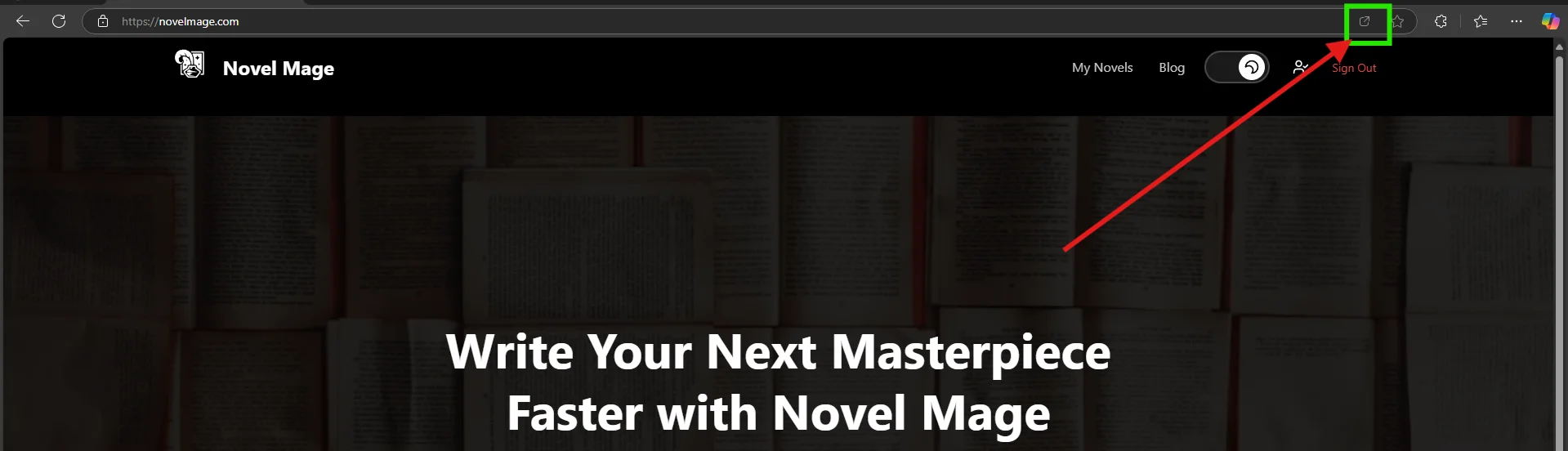
Step2: Click on the icon from from URL as shown in the image
Step3: Click on open/install
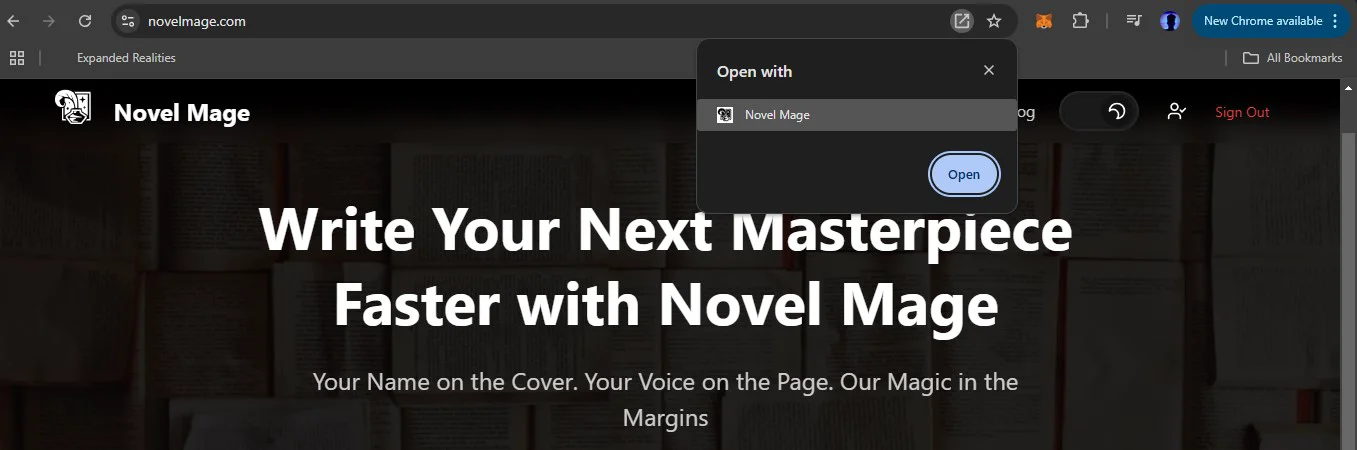
Step4: Congrats!!! now you can use Novel Mage on your Windows or Mac without opening the browser

Loading comments...