Scriptum vs Sudowrite: Which Studio Earns the Rent
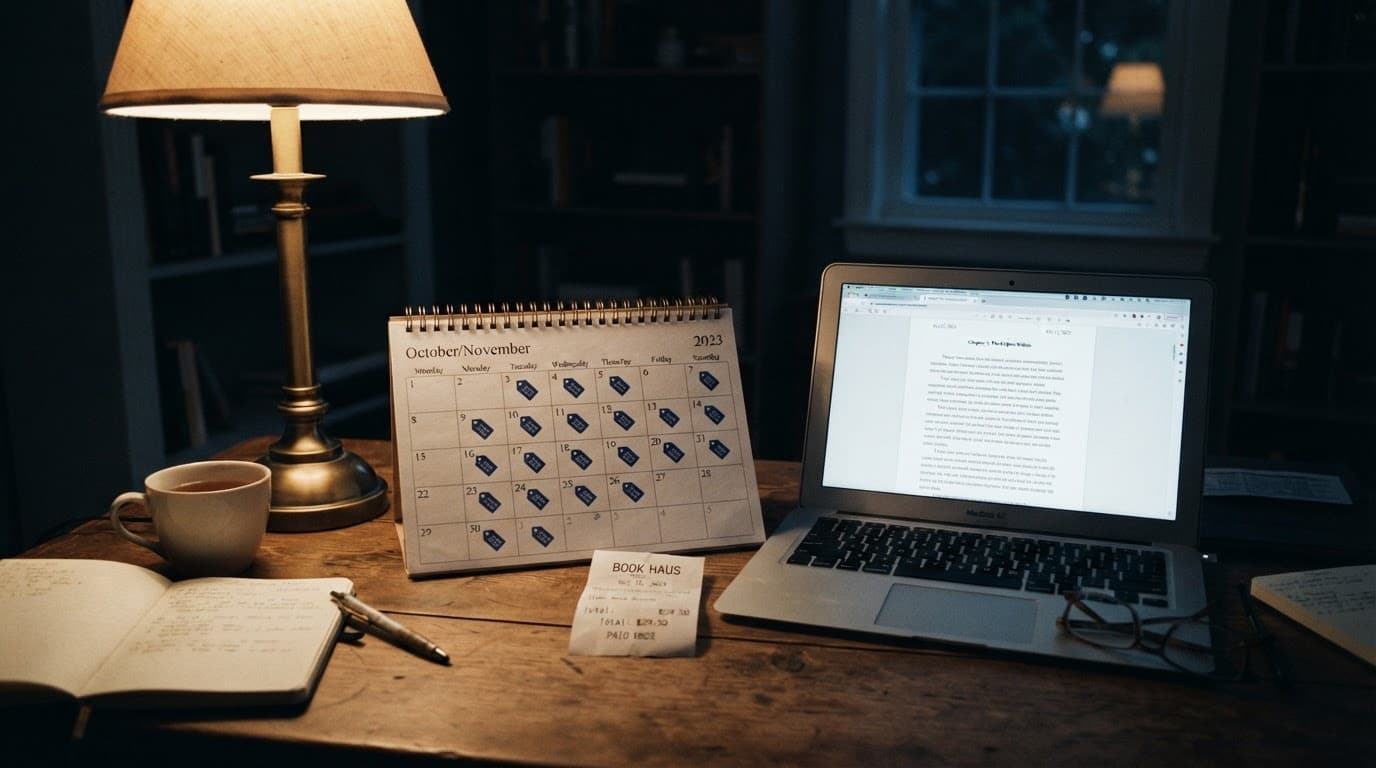
You have Scriptum's pricing page open in one tab and chapter eleven in another, and the thing stopping you isn't the €7.99. It's that you've done this before. Last spring you moved 60,000 words into a tool that looked like the answer, spent a Saturday filling in its character sheets, and by August you were exporting everything back out — while the subscription kept charging through every month you spent deciding.
So the useful question isn't "is Scriptum good." It's what you're actually buying, what it does better than the tools you already know, and what the arrangement looks like in year three. Here's what I found going through Scriptum's own pricing, feature documentation, and comparison pages directly — not a roundup that scraped them.
What Scriptum Actually Is
Scriptum Writer Studio is a subscription novel-writing environment that bundles drafting, story-bible organization, planning, cover design, and print-ready typesetting into one app. It is not primarily a prose generator. It's a studio that happens to have an AI assistant living in it.
The assistant is called Aura, and according to Scriptum's own feature writeup it runs in six modes — Normal, Writer, Editor, Proofreader, Ideas, and Marketing. The line from that page that tells you the most about the product's philosophy: "it asks before it writes, instead of dumping five hundred words you never asked for." That's a real design position, and it's the opposite of the one-click-chapter pitch most AI writing tools lead with.
Around Aura sits the World Bible — sheets for Characters, Places, Objects, and Lore, plus an AI Character Creator that builds profiles by asking about a character's desires, wounds, and limits. There's a kanban planning board with Pending / In Progress / Completed columns, and the detail that matters is that Aura reads the board. Your structure isn't decorative; it's context.
Then the part most competitors don't have at all: a Cover Studio using real Amazon KDP measurements with automatic spine calculation and 18 templates, and a Publishing Studio that exports at KDP trim sizes like 6×9 with embedded fonts. Their homepage adds a Font Studio with over 30 literary typefaces and unlimited projects.
On AI it's bring-your-own-key across seven providers: Claude, OpenAI, Gemini, Groq, Ollama, Local AI, and OpenRouter. Your key lives in your browser rather than on their servers, and their homepage states that projects are saved locally on your device. That's a lot of surface area for one app, and it's fair to say so plainly.
What Scriptum Costs, Exactly
€7.99 per month, or €86.99 per year, with a three-day free trial that requires no card. The subscription covers both the web version and the desktop apps for macOS (Apple Silicon and Intel) and Windows 10/11. At anything like recent exchange rates, that annual figure lands somewhere in the low-to-mid nineties in dollars, so read the cross-currency math below as approximate.
The number isn't the interesting part. The shape of the bill is.
Scriptum is a rental — a good one, with three days to try it and no lock-in theater, but a rental, and the meter runs on calendar time rather than on how much writing you get done. A novelist who drafts in two-month bursts then disappears into revision for five months is paying for the five months. That's the structural difference from a one-time license like NovelMage's $99.99 lifetime purchase, which covers all features, all future updates, and three devices: it costs about fourteen months of Scriptum, then stops costing anything. Neither model is automatically right — which one wins depends on how long your book takes, the calculation almost nobody runs before signing up.
Scriptum vs Sudowrite: Two Different Products Wearing One Label
They aren't really competitors, and the pricing tells you why: Sudowrite sells generation capacity, Scriptum sells a workspace.
Scriptum's own three-way comparison page lists Sudowrite at roughly $10–22 per month and NovelCrafter at roughly $4–14 plus API usage, against its own "€7.99 / month (all included)." I checked the first figure at the source: Sudowrite's pricing page shows three tiers — Hobby & Student at $10 for 225,000 credits a month, Professional at $22 for 450,000, and Max at $44 for 2,000,000, with unused credits rolling over twelve months. Scriptum's range is accurate as far as it goes; it just stops short of the tier heavy users actually land on.
That $44 tier is the whole point of the difference. Sudowrite's price scales with how much prose you generate, because model access is bundled. Scriptum's doesn't, because it isn't — you bring your own key and pay Anthropic or OpenAI, or nobody at all if you're running Ollama locally. Same for NovelCrafter, which is why sticker price and real price diverge there too; we walked through that gap in what NovelCrafter actually costs once API usage is counted.
The translation: if you generate a lot, bring-your-own-key is cheaper and bundled credits are simpler. If you generate a little, the bundle is a subsidy you aren't using.
Where Scriptum Is Genuinely Better Than the Alternatives
Its best feature is the one nobody markets: the planning board feeds the assistant. Most tools make you maintain structure in one place and then re-explain that structure to the model in a prompt. Scriptum closes that loop by default, and "Aura reads the board" does more for draft coherence than any number of style toggles.
The second is the publishing tail. Cover Studio with automatic spine calculation, plus a Publishing Studio that exports embedded-font PDFs at KDP trim sizes, is not a small thing to have in the same app as your manuscript. And here's the caveat this post owes you: if you're self-publishing, don't own Vellum or InDesign, and were going to pay a designer anyway, Scriptum's bundle may well beat a writing-only tool on total cost — including NovelMage, which doesn't do covers or typesetting at all. That's a real reason to choose it.
The third is provider breadth: seven backends including Ollama means you can keep a draft entirely on your own hardware.
The Three-Year Problem, Worked Through
Abstract pricing arguments never land, so here's a concrete one.
Priya is writing a trilogy. Book one took nineteen months from first outline to the file she uploaded to KDP. Book two is at 41,000 words and she's fourteen months in, revision still ahead. Call it four and a half years for three books — not pessimistic for someone with a job.
On Scriptum's annual plan that's about €391 across those years, €86.99 × 4.5, plus her Claude API key, which at her volume runs $8 to $15 in a heavy drafting month and nothing in the months she's only revising. Say $250 in API across the trilogy.
Run the same writer on a one-time license and the software line is $99.99, once, in month one. The API line doesn't move — same key, same models, same $250. What changes is that three of her four and a half years cost nothing in software, including the eleven months mid-book-two when she barely opened the app because her mother was ill.
That's the asymmetry: subscriptions charge for the calendar, and novels don't run on the calendar. The gap is trivial in month three and substantial by year four — and almost everyone evaluating tools does the math for month three.
What the recurring money buys is continuous development — four years of subscription is four years of a team shipping into the tool you're using. Price is one axis. It's just the one that's easiest to model and hardest to un-choose.
World Bible vs. Codex: The Continuity Question
Both tools solve the same underlying failure, and it's worth naming what that failure is: language models don't remember your novel. They remember what's in the context window right now, which is why a character's eye color drifts between chapter four and chapter twenty-two, and why someone in chapter nine knows a secret they aren't told until chapter fifteen. We went deep on the mechanism in why AI forgets your story details.
Scriptum's answer is the World Bible: structured sheets for Characters, Places, Objects, and Lore that Aura reads before generating. NovelMage's Codex works on the same principle. The architecture is genuinely similar, and anyone telling you one of these is a category apart from the other is selling something.
What separates them in practice is what reaches the model, and when. A story bible only helps if the right entries land in the prompt at the moment you generate — an entry that never fires is a Saturday you spent on nothing. That retrieval behavior, not the number of fields on the sheet, decides whether your draft stays consistent, and it's worth testing during the three-day trial rather than assuming; we wrote up what makes a lorebook entry actually fire if you want a method.
The tell: generate a scene set in a location you defined but haven't mentioned in three chapters. If the details come back right, retrieval is working. If the model invents a harbor district that contradicts your own notes, it isn't — and no amount of additional entry-writing will fix it.
Which One Should You Actually Pick
Choose Scriptum if you're a self-publisher who wants drafting, cover design, and print-ready typesetting under one subscription, and you'd rather pay monthly than commit up front. The link between the planning board and the assistant is real, and the publishing tail is the most complete in this price range.
Choose Sudowrite if you want prose generation with no API-key setup at all and you're fine paying for capacity in credits.
Choose a one-time license if your book will take years rather than months and you want the software cost to be finite — NovelMage is $99.99 once across three devices, with a seven-day trial, running as a native desktop app with the model of your choosing, including a local one where nothing leaves the machine.
The version of this decision that goes badly is the one made on feature-list length. Every tool here has more features than you'll use. Pick on the two things that actually bite: whether the story bible fires when you generate, and whether the billing shape matches how long your book really takes.
Frequently Asked Questions
Does Scriptum have a free trial?
Yes — three days, no card required, per Scriptum's homepage, with access to the complete app and a watermark-free preview of your typeset book. Three days is short for evaluating a novel-writing tool, so spend it on one specific test rather than a general browse: load real chapters, define a location, generate a scene that depends on it.
Is Scriptum available as an offline desktop app?
Both, actually. Scriptum ships web and desktop versions — macOS on Apple Silicon and Intel, Windows 10/11 — in the one subscription, and its homepage states that projects are saved locally on your device with full control over files and backups. That's a genuinely privacy-conscious setup, not a marketing line. The thing to understand is that access stays gated by an active subscription rather than by a license you own outright.
How much does Scriptum cost compared to a one-time-purchase tool?
Scriptum is €7.99 per month or €86.99 per year, ongoing. For contrast, NovelMage is $99.99 once for a lifetime license covering all future updates on up to three devices — about fourteen months of Scriptum's annual rate, after which the software line goes to zero while a subscription keeps renewing. Which is cheaper depends entirely on whether your book takes eighteen months or five years.
Do I need to pay for AI separately with Scriptum?
Yes. The subscription covers the app; model usage is billed by whichever provider you connect your key to, across Claude, OpenAI, Gemini, Groq, Ollama, Local AI, and OpenRouter. Budget $8–15 in a heavy cloud-drafting month and near zero in a revision month — or nothing beyond electricity if you run a local model, which is no longer the quality compromise it was two years ago.
If the part that stuck was the three-year problem — your novel runs on its own clock, your software bill runs on the calendar — that gap is what NovelMage was built around: one purchase, a native desktop app for Windows and macOS, your choice of Claude, GPT, Gemini, or a local model through Ollama or LM Studio, and a manuscript that stays on your machine. You can see the lifetime license and what's included before committing anything.